
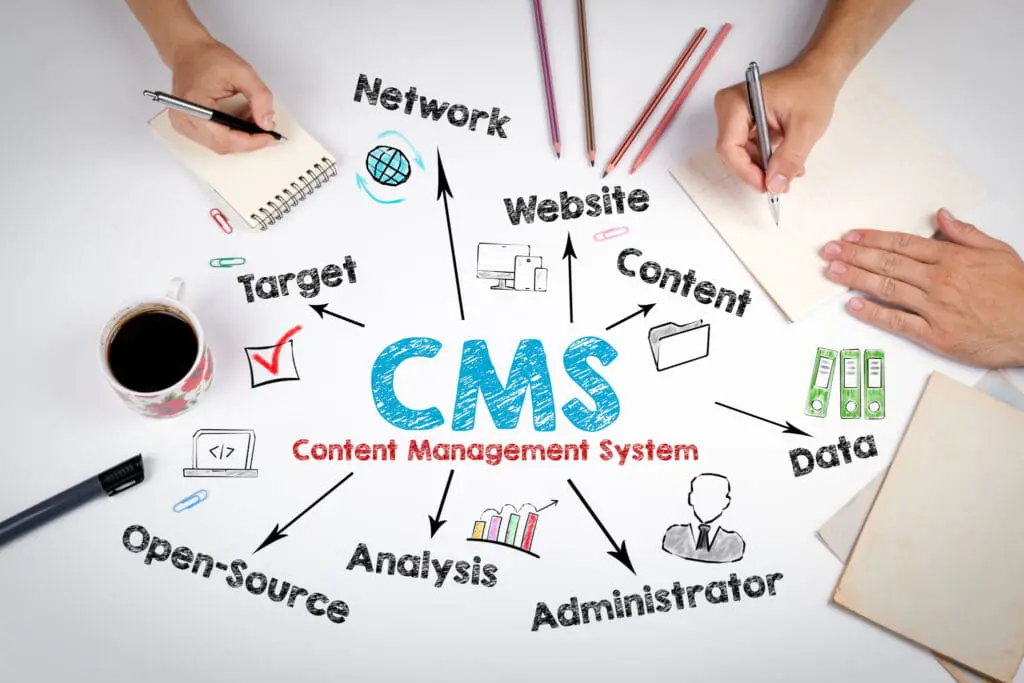
When looking at websites today and the technology behind them, most will have been created on some sort of Content Management System – or ‘CMS’ as they are more widely known – to be able to present the various information on the website and the visual layouts and features that users see. There are two main types of CMS – ‘hosted’ and ‘self-hosted’, which are quite different in terms of ease of use to requiring more technical expertise and customisation.
Each CMS in terms of technology and function and although there are many solutions available to help you get online quickly, actually building a website that suits the functionality of your business; meets your needs, perfoms well and at a reasonable cost to the business in the long-run is the ideal aim.
In this blog post, we will be comparing some of the self-hosted CMS or ‘content management solutions’ solutions currently available on the market. The term ‘Self-hosted’ means that owners can manage most aspects of the site and have maximum autonomy over the general maintenance and functionality in the back-end, as well as the ability to upload their content to the site.
What is a CMS?
Diving briefly into what a CMS (Content Management System) is, CMS software allows you to create, edit, and publish web content without needing in-depth coding skills.
It offers a user-friendly control panel for your website, so you can focus on adding pages, rich text, media, writing blog posts, and generally managing your site’s front-end content, while the CMS handles the technical complexities behind the scenes.
There are generally two parts to a CMS – a Content Management Application (CMA) and a Content Delivery Application (CDA), which work together to apply code to a site’s infrastructure.
What is a ‘Headless CMS’?
A headless CMS is a content management system that separates the content storage (the ‘backend’) from the presentation layer (the ‘frontend’). This allows developers to deliver content through APIs to any platform or devices – such as websites, mobile apps, or IoT devices – without being tied to a specific interface or template. This flexibility enables a more customized user experience and faster content delivery across multiple channels.
Most common self-hosted CMS tools
WordPress is one of the most well-known CMS platforms available on the market thought to power over 40% of all websites across the internet and is the main choice for a lot of clients we manage.
Released in 2003, WordPress offers a broad range of flexibility and versatility for a whole range of websites, from blogs to e-commerce and portfolio websites. With an extensive library of themes and plugins for customization and has a large community and level of support.
For the purposes of this blog post where we’ll be talking about the self-hosted version of WordPress, otherwise called WordPress.org. To find out more about the difference between the WordPress.org self-hosted CMS to WordPress.com hosted CMS we’ve written another blog post here.
With the self-hosted version of WordPress (.org), one of the main challenges is that it can require some technical knowledge to set up and maintenance and security need to be handled manually – whereas if you were running the managed WordPress, the host this will take care of most security updates and back-ups for you, with the self-hosted version .org, you can benefit from a large community and resources and knowledge as well as many developers available who can support you.
Overall, the main draw for WordPress.org self-hosted website owners is that they have full control over hosting, domains, and data and the ability to fully optimise their websites through an extensive library of plugins and resources to suit their personal or business needs. Most hosting companies offer very easy installation tools sometimes referred to as “single-click” installations of WordPress and other popular self-hosted CMS platforms within their hosting portals.
What to look for in a CMS and why you might be looking to change?
When choosing a CMS, each solution varies depending on your business needs; from handling lots of content-rich updates to displaying products for your eCommerce store depending on the CMS you choose, some features come straight ‘out-of-the-box’ or would require upgrading to premium plans or add-ons.
You may also be looking to update your current CMS as your website has become slow or feels heavy with the data over time and no longer fulfills the needs of what a website is required to do for your business, whether that’s handling multiple sales and purchases or user login, subscriptions and downloads, as an example.
Self-hosted CMS currently available on the market
In this post, we will be comparing WordPress.org CMS to other self-hosted solutions available on the market to help you get an idea of the main benefits and pros and cons and an understanding of which one might better suit your business.
 |
 |
 |
 |
 |
|
| Suitable for a wide range of websites (blogs, e-commerce, portfolios, etc) | Excellent for publishers and content-driven sites | Headless CMS offering flexibility for developers | Highly flexible and powerful for complex sites | Great for custom content management | |
| Full control over hosting, domains, and data | Lightweight and fast, optimized for blogging | API-first approach for easy integration | Strong community and extensive module and plugin library | User-friendly interface | |
| No vendor lock-in, as you can move your site easily | Built-in SEO and social sharing features | Great for developers looking for a customizable solution | Regularly releases security updates | Strong customization capabilities | |
| Built-in features and plugins (like Yoast SEO) to optimize for search engines | Supports various databases | ||||
| Extensive resources, tutorials, and forums for troubleshooting | |||||
| Complex for beginners, requiring some technical knowledge | Not ideal for complex sites or e-commerce | Not user-friendly for non-technical users | Steeper learning curve | Less extensive plugin ecosystem | |
| Users must manage updates, backups, and security themselves | Smaller community and fewer resources than WordPress | No built-in front-end; developers must create one | Not good for beginners | Higher cost for premium features | |
| Costs can accumulate with hosting, themes, and plugins | Smaller community compared to WordPress | More resource-intensive | Smaller community for support and resources | ||
| Performance can be good but often requires optimization for larger sites | Requires some technical knowledge for setup |
WordPress (.org self-hosted) – https://wordpress.org/
Released in 2003, WordPress.org offers a broad range of flexibility and versatility for a whole range of websites, from blogs to e-commerce and portfolio websites. Offers an extensive library of themes and plugins for customization and has a large community and level of support.
Pros:
- Suitable for a wide range of websites (blogs, e-commerce, portfolios, etc.).
- Extensive library of themes and plugins for customization.
- Easy content creation and management.
- Full control over hosting, domains, and data.
- No vendor lock-in, as you can move your site easily.
- Built-in features and plugins (like Yoast SEO) to optimize for search engines.
- Extensive resources, tutorials, and forums for troubleshooting.
- Regular updates and a wide pool of developers for support.
Cons:
- Technical learning curve – can be complex for beginners,
- Maintenance required, users must manage updates, backups, and security themselves.
- Cost variability: While the platform itself is free, costs can accumulate with hosting, themes, and plugins.
- Can become slow or resource-intensive if not optimized, especially with many plugins.
Ghost – https://ghost.org/
Ghost has been available as an open source platform for publishers and publications since 2013 providing lightweight features optimised mostly for bloggers and content creation. It focuses on speed and simplicity, making it great for publishers.
Pros:
- Excellent for publishers and content-driven sites.
- Lightweight and fast, optimised for blogging.
- Strong focus on content creation.
- Built-in SEO and social sharing features.
Cons:
- Not ideal for complex sites or e-commerce.
- Smaller community and has fewer resources than WordPress.
WordPress comparison: If primarily using a site for blogging and publishing, Ghost is ideal as WordPress.org can be a bit extensive for simple blogging needs.
Strapi – (Headless CMS) – https://strapi.io/
Strapi.io gives developers much more freedom to use favourite tools and frameworks and customise more easily.
Being developer-focused, this platform will require more technical knowledge and performance depends very much on how it is implemented and optimized.
Pros:
- Headless CMS offering flexibility for developers.
- API-first approach for easy integration.
- Great for developers looking for a customizable solution.
- Supports various databases.
Cons:
- Not user-friendly for non-technical users.
- No built-in front-end; developers must create one.
- Smaller community compared to WordPress.
WordPress comparison: WordPress offers a more intuitive interface for content creators.

Drupal – https://www.drupal.org/
Drupal, started in 2001, is a free and open-source web content management system written in PHP and JavaScript. It is quite well-known after WordPress, due to its being able to create easy-to-manage sites from all sorts of sites from large-scale and enterprise media and publishing sites to higher-education and government sites.
Pros:
- Highly flexible and powerful for complex sites.
- Strong community and extensive module and plugin library.
- Strong security features; community regularly releases security updates.
Cons:
- Steeper learning curve; not beginner-friendly.
- More resource-intensive.
- Performance can be good but often requires optimization for larger sites.
WordPress comparison: Compared to WordPress, Drupal sites can be much more powerful and handle more technical customisations.
Craft CMS – https://craftcms.com/
Craft CMS is a flexible, user-friendly CMS. A highly scalable platform, it can handle websites and web applications of any size.
Pros:
- Great for custom content management.
- User-friendly interface.
- Strong customization capabilities.
Cons:
- Less extensive plugin ecosystem.
- Higher cost for premium features.
- Smaller community for support and resources.
- Requires some technical knowledge for setup.
WordPress comparison: Compared to WordPress, Craft can be more user-friendly for custom content structures.
Summary
Overall, when choosing a CMS it depends on assessing your business needs and the functionality required from a website. While other CMS platforms may be better for simple content management, WordPress stands out overall for its flexibility for individuals, small businesses, and larger enterprises offering straightforward needs as well as more comprehensive solutions such as eCommerce and user registrations. Powering most websites online today, WordPress users benefit from an extensive support community, and a vast ecosystem of themes and plugins, as well as cost-effectiveness for individuals and businesses in the long run.